
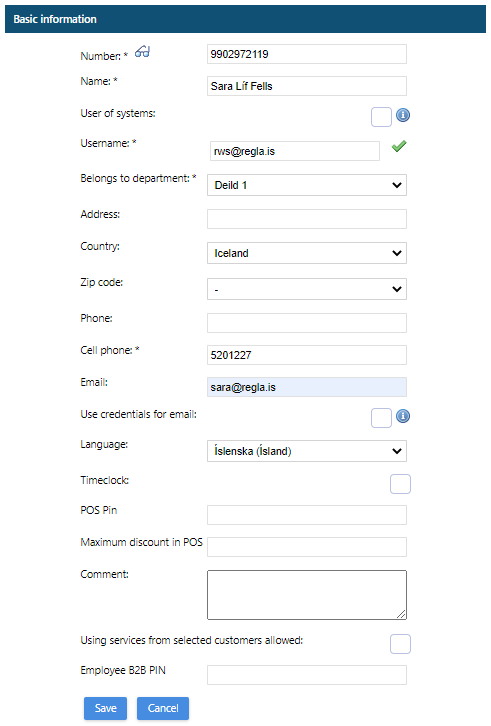
A new user is created by selecting
Admin / File administration / Employees, Create new.
Check
User of systems, input a unique username and input email address, department, and phone number. A password is sent via email when registration is done. Start employee number with "99" to bypass validation.
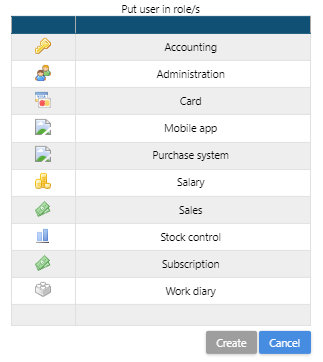
User roles are selected upon hitting the Save button.
Comments
0 comments